Cast to TV app icon

Your phone, on the big screen

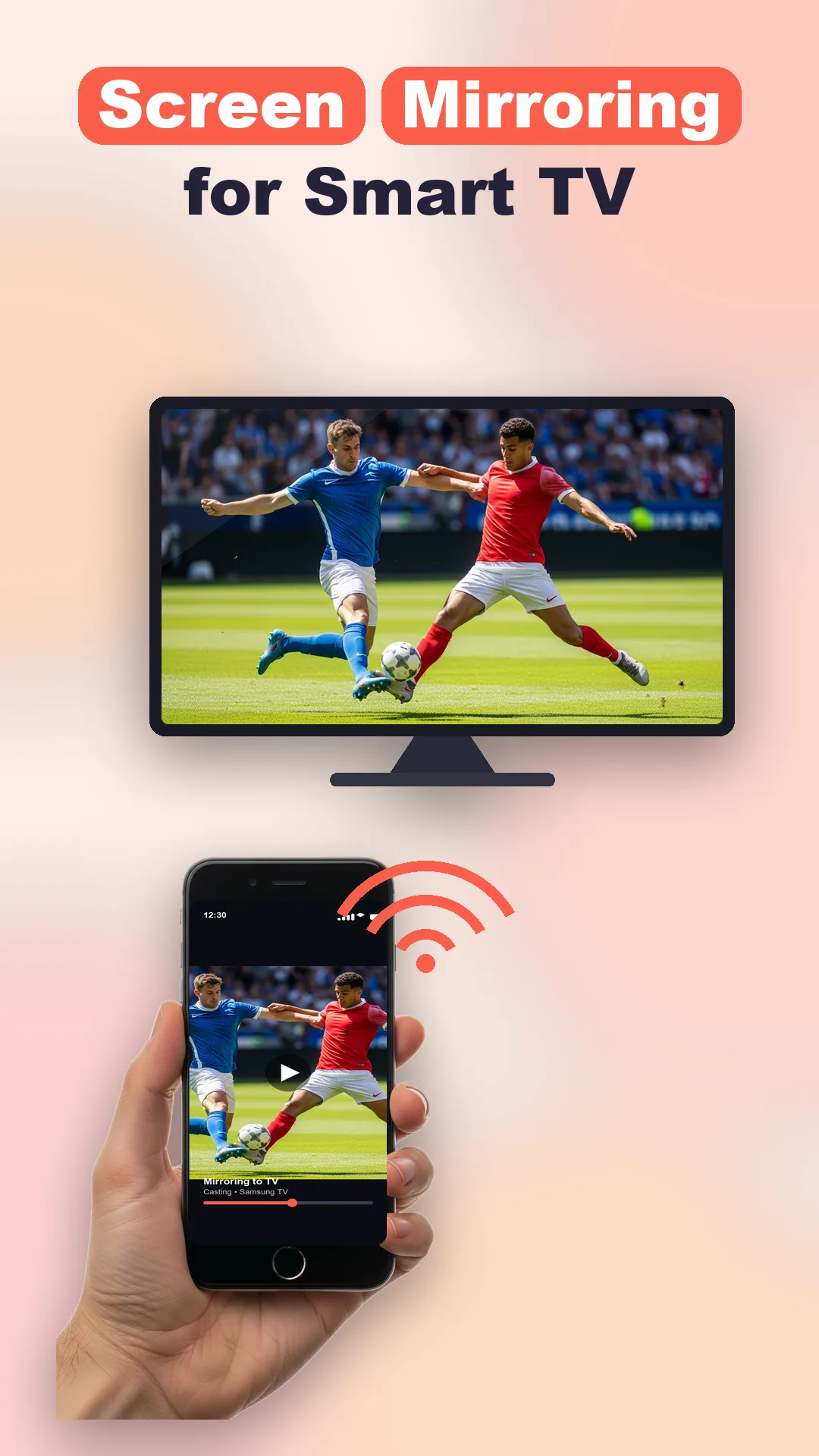
Cast to TV: Screen Mirror lets you cast photos, videos and web content from your phone to any Smart TV, mirror your whole screen, and control the TV — all in one app.

Cast photos, videos & web to your TV — screen mirror & remote in one.
Cast to TV screen Cast to TV remote screen
What Cast to TV does

Cast, mirror and control — all in one app

Send photos, videos and web pages to your TV, mirror your whole screen, and control it — from your phone over Wi-Fi.

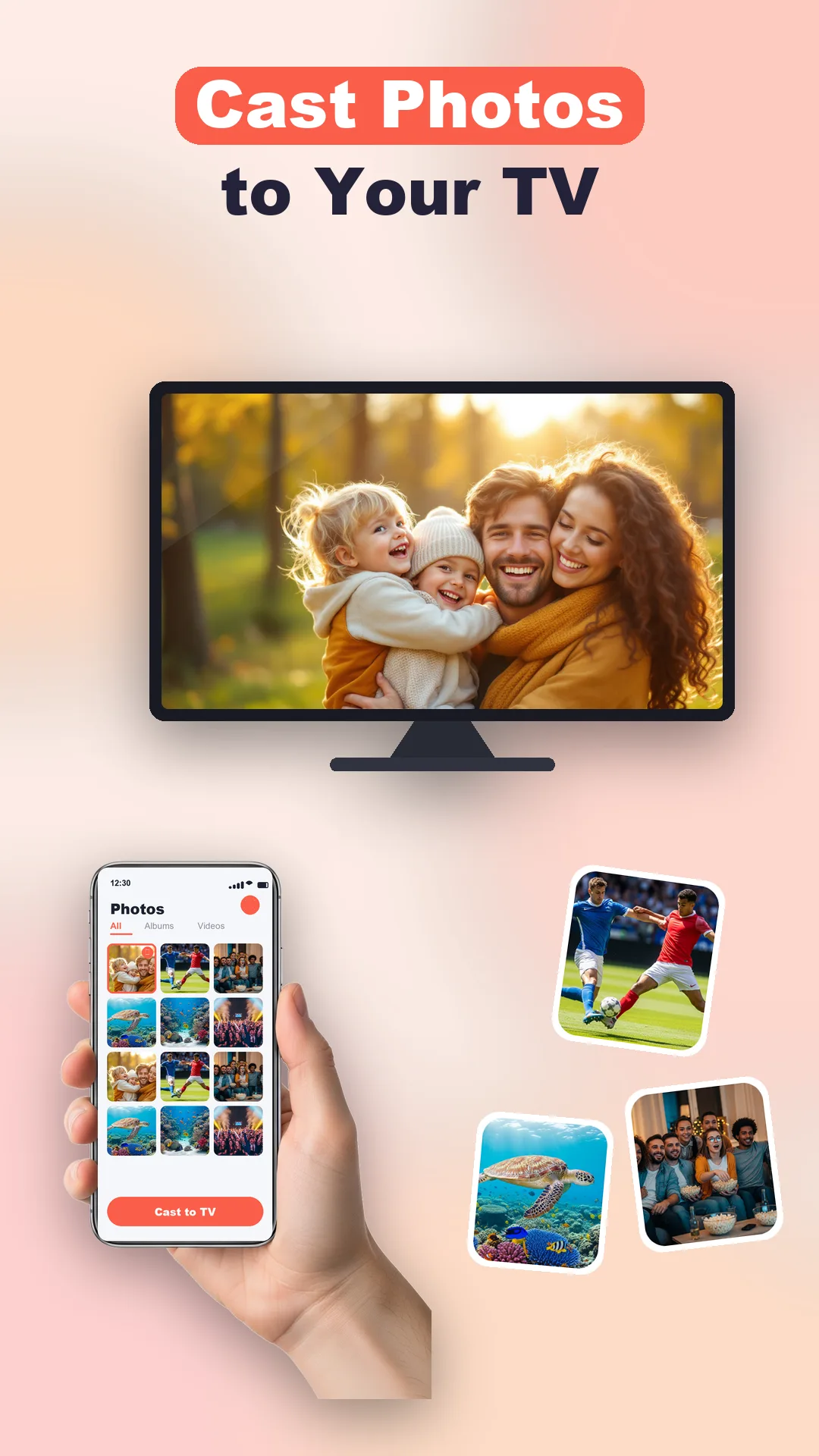
Cast Photos & Videos

Send photos and videos from your phone to the TV · Browse your gallery and cast with one tap

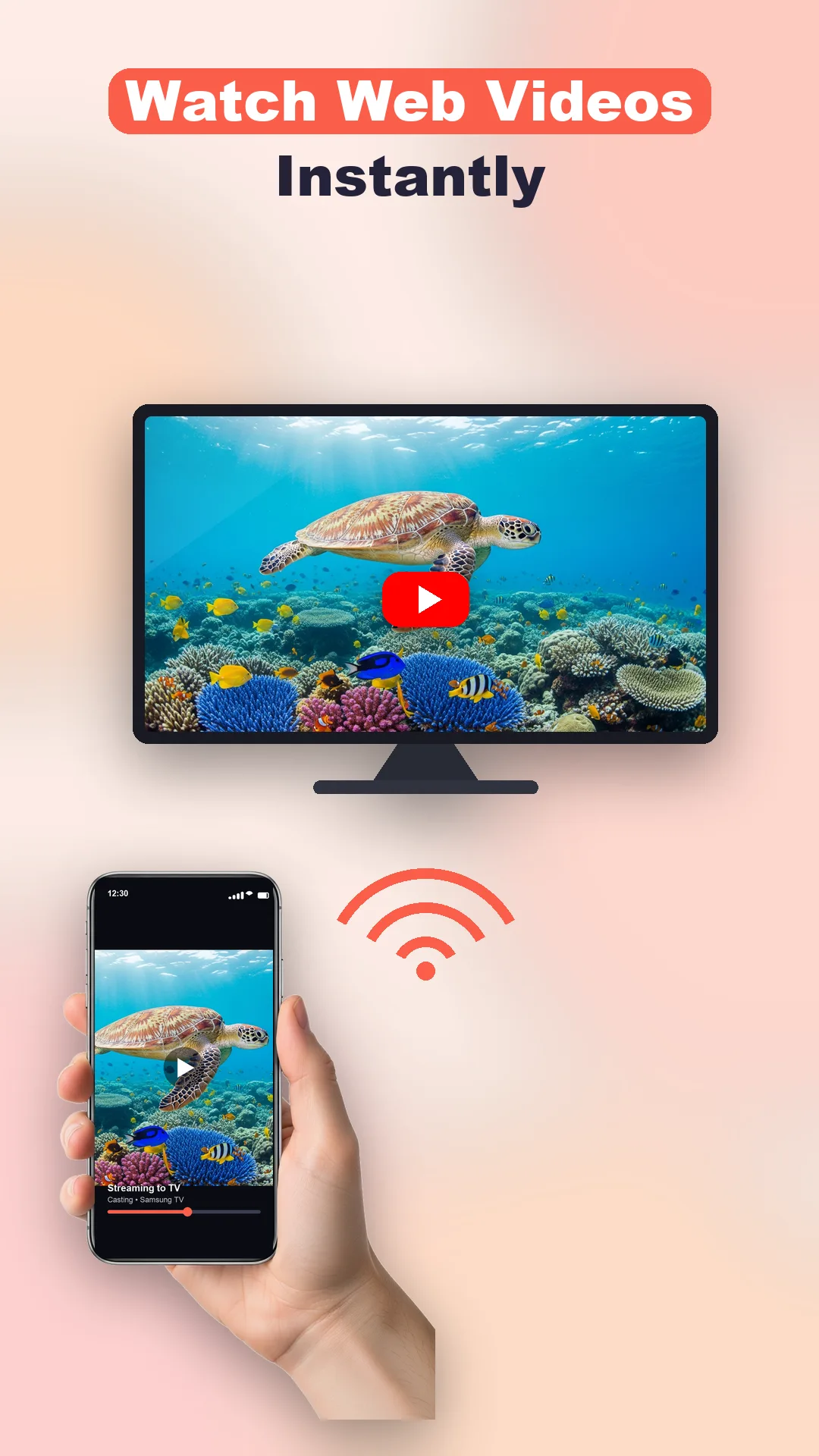
Cast Web Videos

Play web videos on the big screen · Cast clips from the built-in browser

Screen Mirroring

Mirror your entire phone screen to the TV · Great for apps, photos, presentations and more

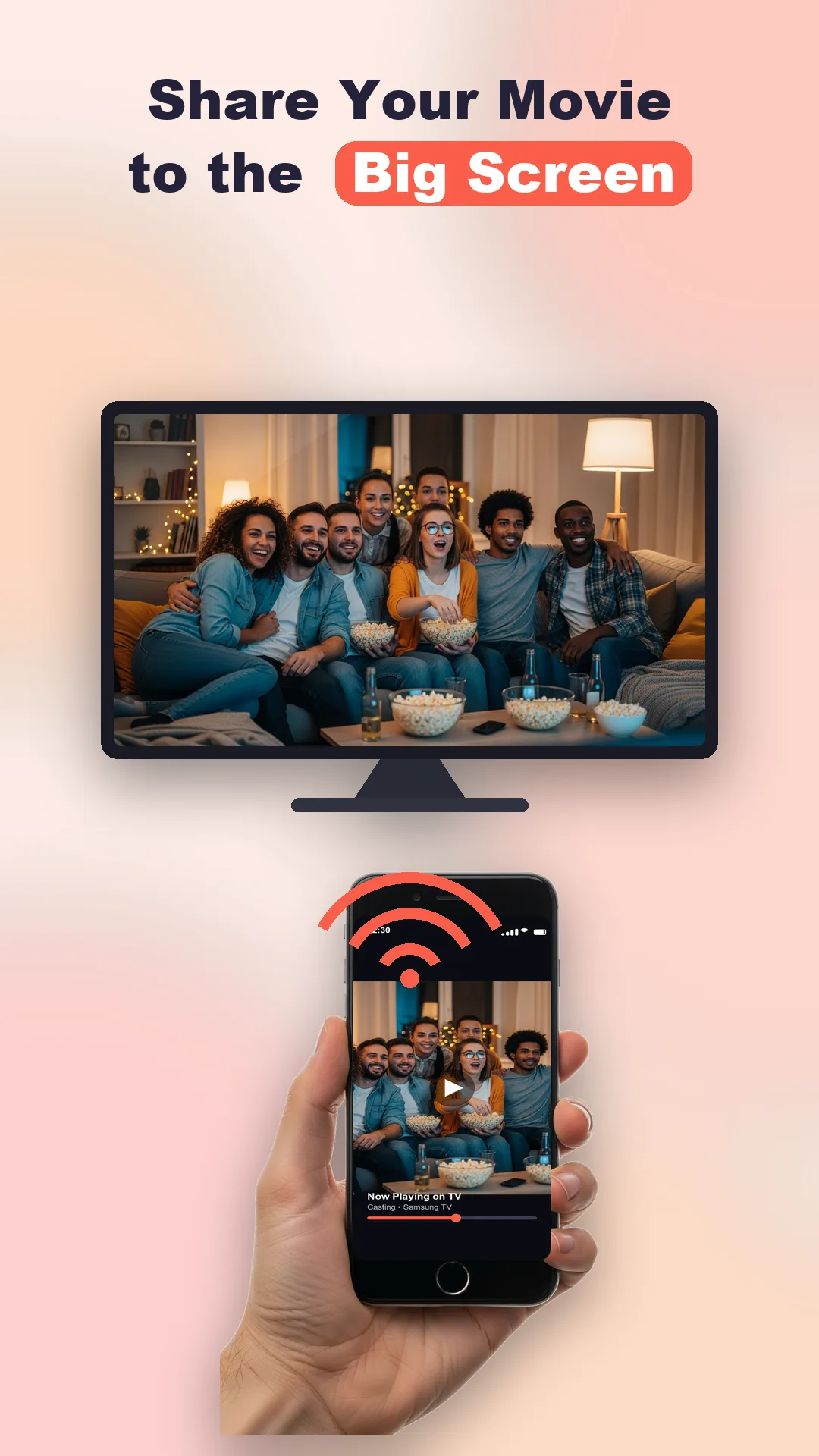
Movies On The Big Screen

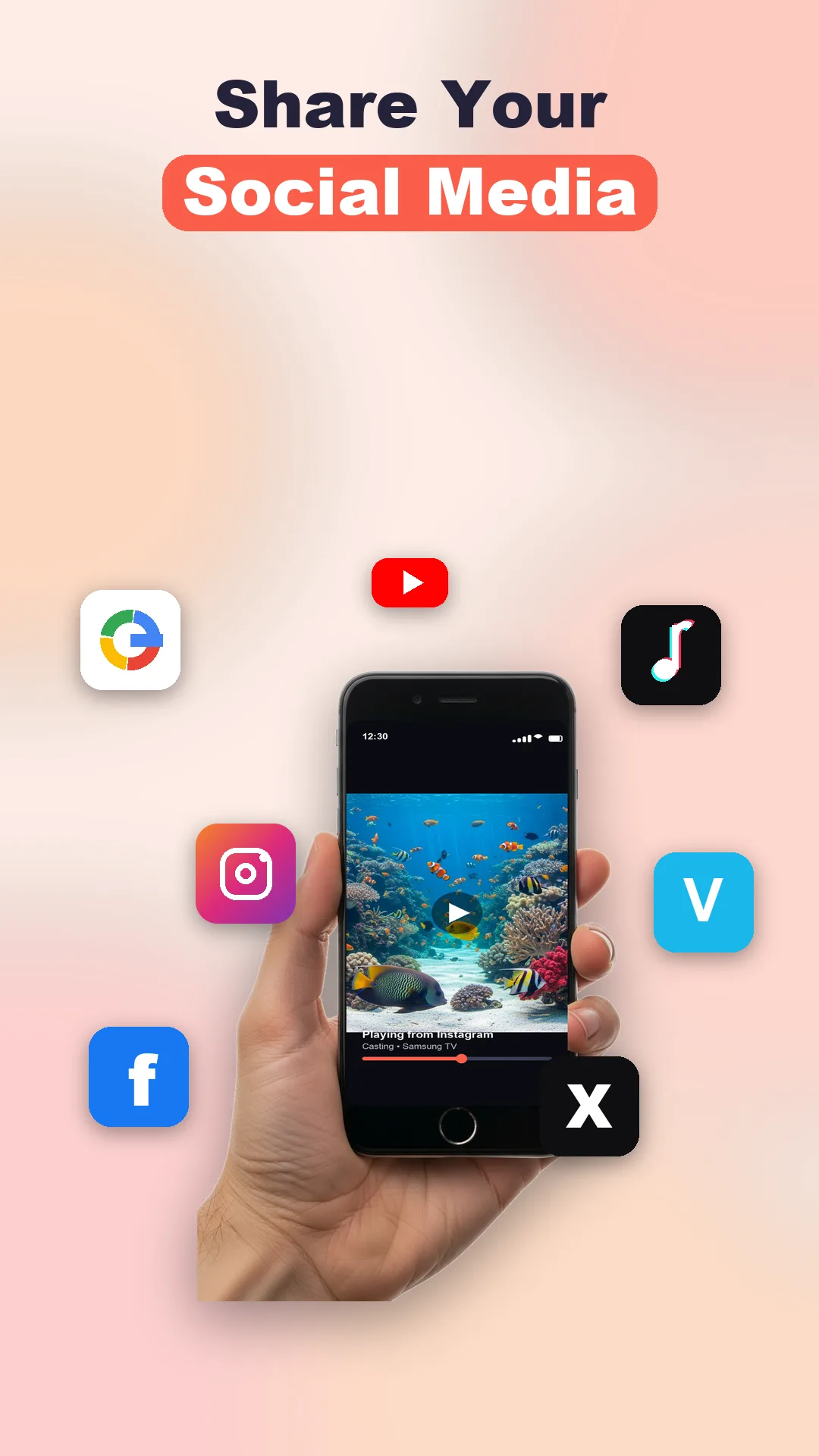
Watch your movies and shows on a bigger screen · Share videos from social media

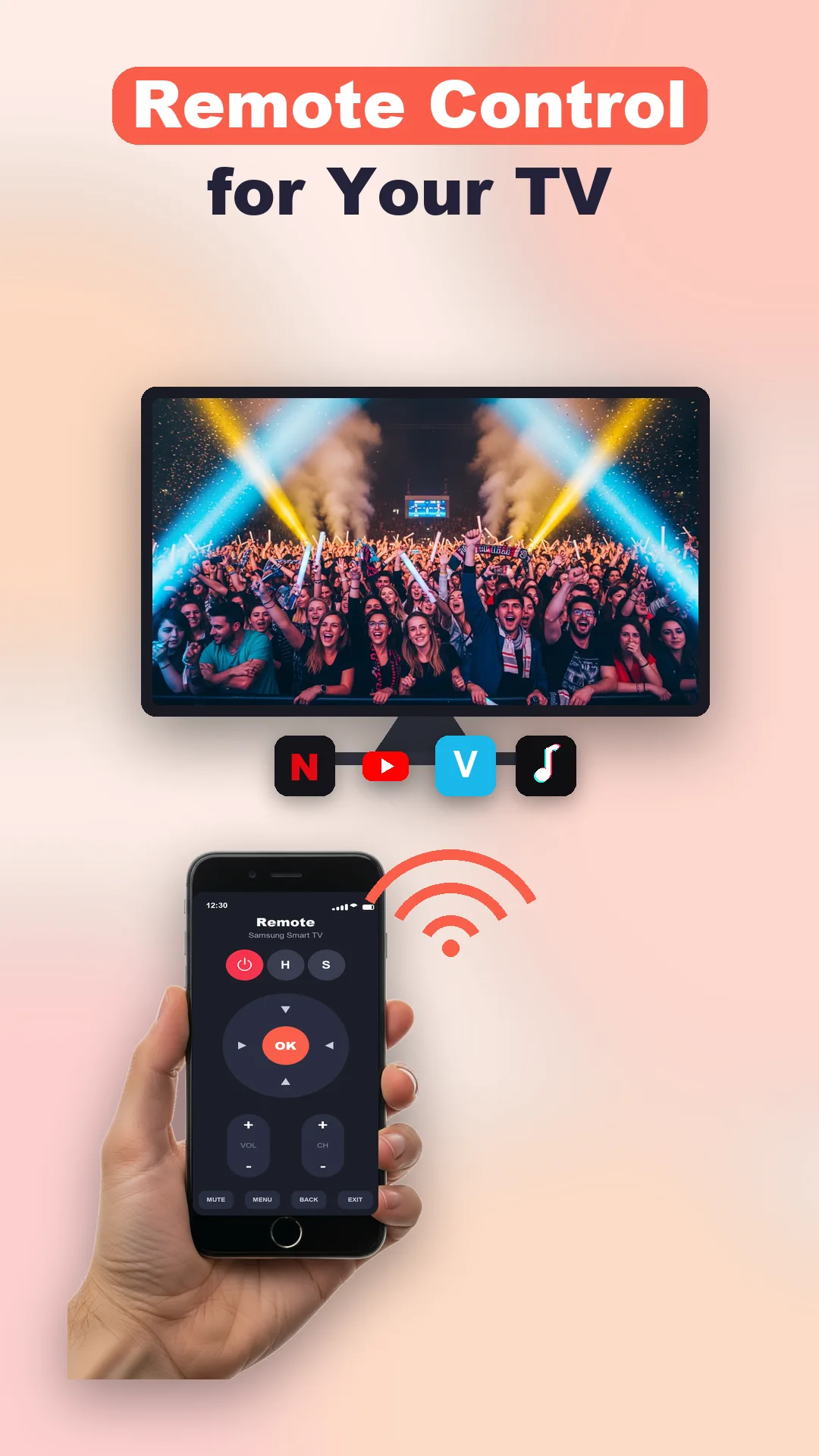
TV Remote

Handy remote controls built in · Quick access to Photo, Video, Browser and more

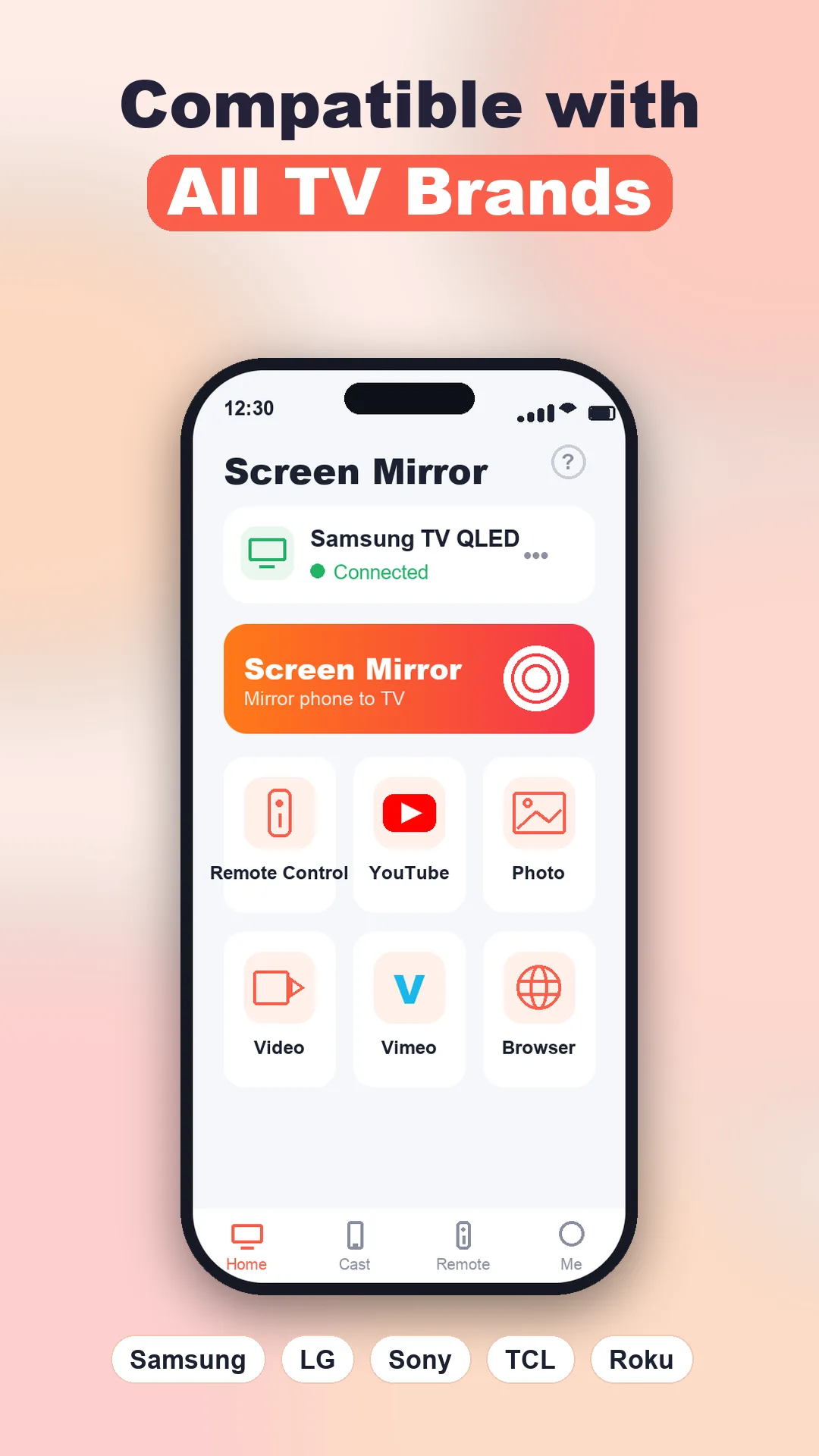
Works With All TV Brands

Compatible with popular Smart TVs (Samsung, LG, Sony, TCL, Roku and more) · Simple one-tap connection

Simple & Fast

Clean, easy interface · Lightweight and responsive

Take a look

A peek inside the app

Every screen below is a real part of Cast to TV.

Cast to TV screen 1
TV remote & shortcuts
Cast to TV screen 2
Share from social media
Cast to TV screen 3
Cast photos to your TV
Cast to TV screen 4
Screen mirror your phone
Cast to TV screen 5
Movies on the big screen
Cast to TV screen 6
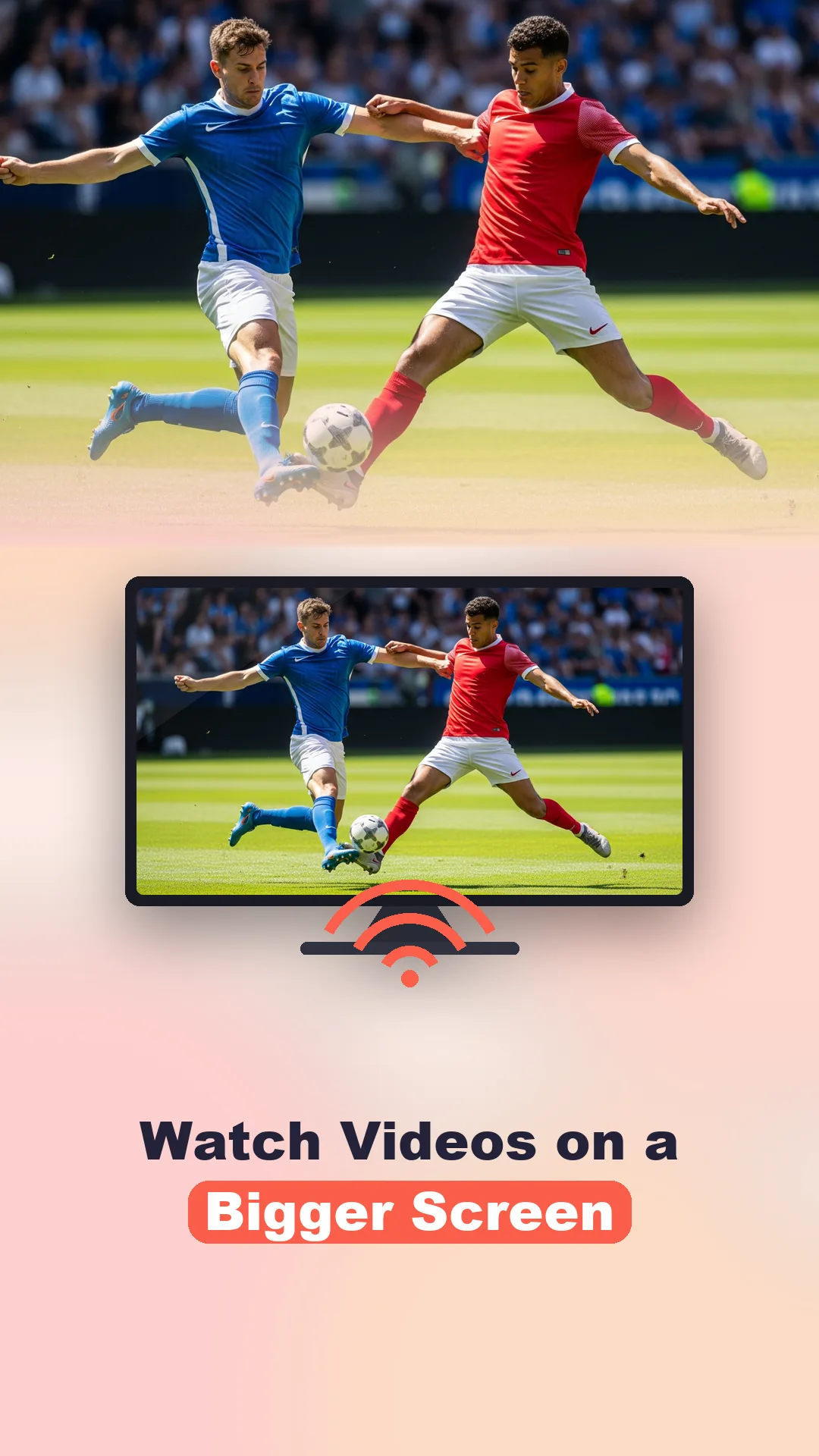
Watch videos bigger
Cast to TV screen 7
Works with all TV brands
Cast to TV screen 8
Cast web videos

Cast & mirror over Wi-Fi in seconds

Connect your phone and TV to the same Wi-Fi network and start casting in seconds — no cables and no extra hardware.

Browse your gallery, tap to cast, or mirror your entire screen for apps, photos and presentations.

  • No cables — cast and mirror over Wi-Fi.
  • Send photos, videos and web pages to the TV.
  • Mirror your whole screen for apps and presentations.
  • Built-in TV remote; works with many popular brands.
Compatibility note. Cast to TV is an independent app and is not affiliated with, endorsed by, or sponsored by any TV manufacturer, streaming service, or platform. All product names, logos and brands shown are trademarks of their respective owners and are used only to indicate compatibility. your phone and TV must be on the same Wi-Fi network; supported features may vary by TV brand.
Cast to TV icon

Put your phone on the big screen

Download Cast to TV and enjoy your photos, videos and apps on your Smart TV.